For beatmakers · iPhone

Hum it.
Get a vocal sample.

Hum, sing, or rap a rough idea. SampleHook turns it into a polished AI vocal in your key and tempo, then hands you a clean stem for your MPC, Maschine, or DAW.

Download on theApp Store Free to try · iOS 17+
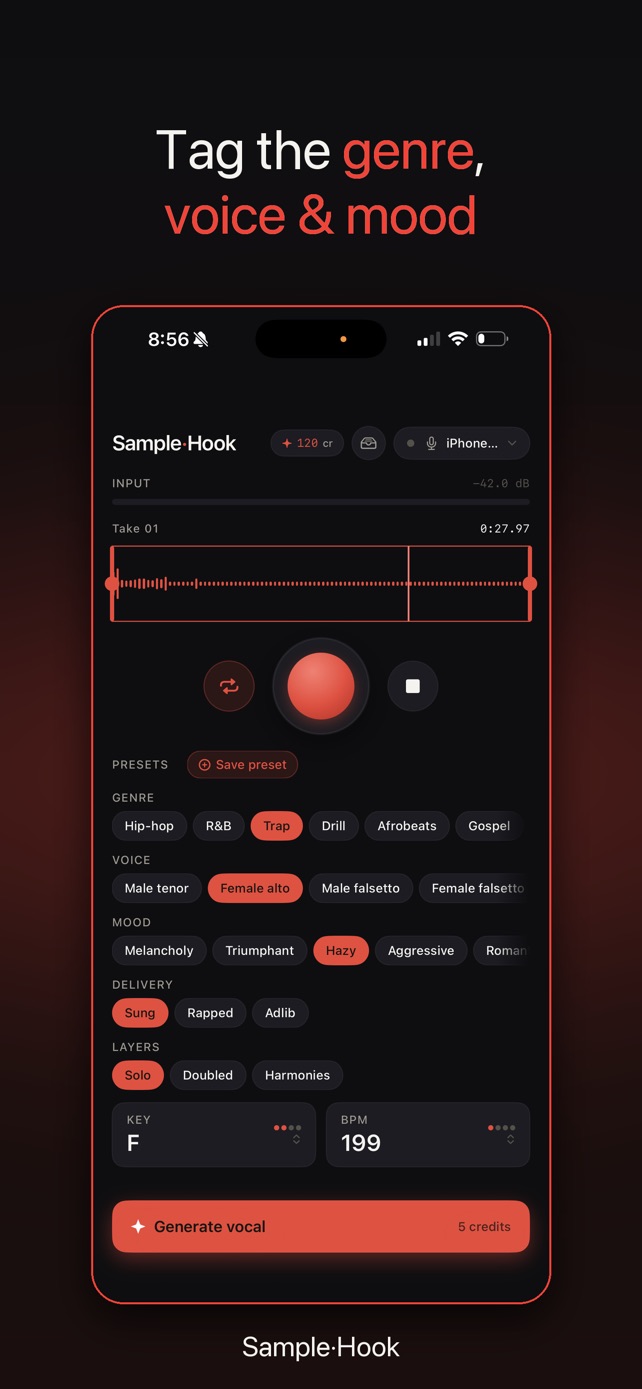
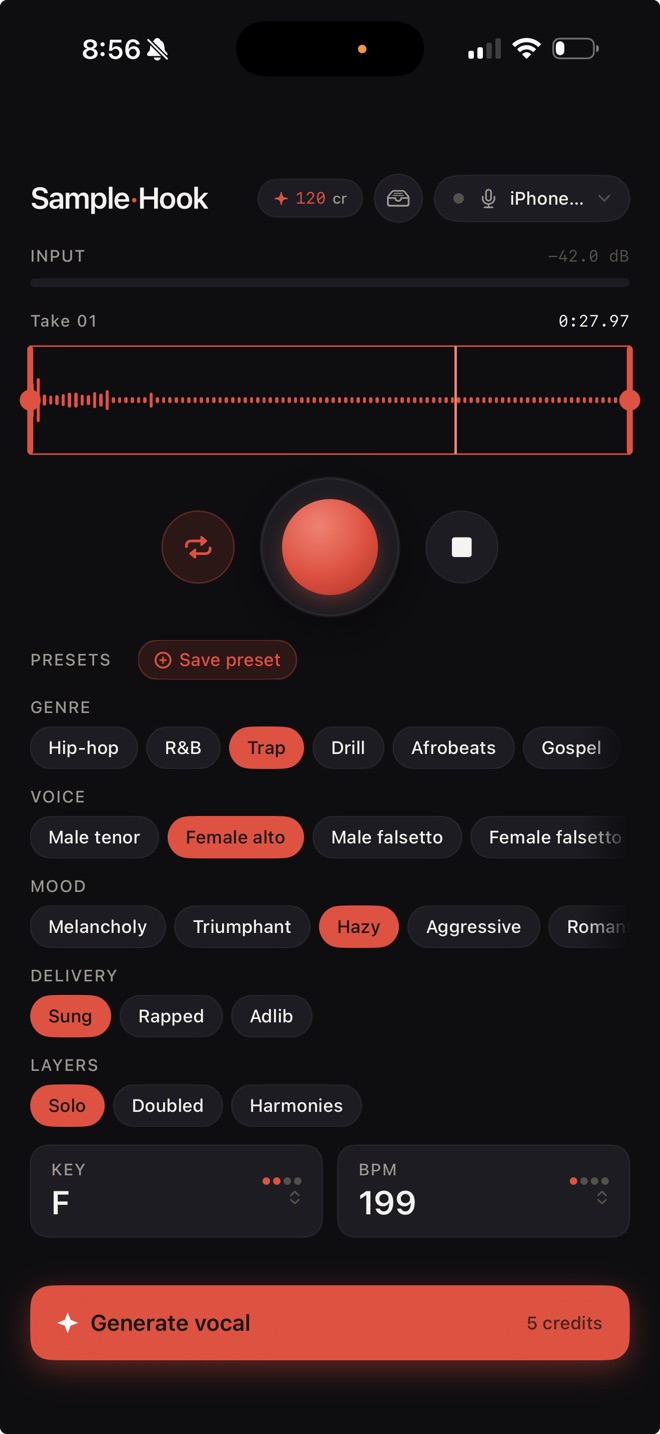
SampleHook record screen with genre, voice, mood, key and BPM controls

How it works

From hum to stem in about two minutes.

No digging through sample packs. No booking a session vocalist. Just your idea and a clean vocal you can chop.

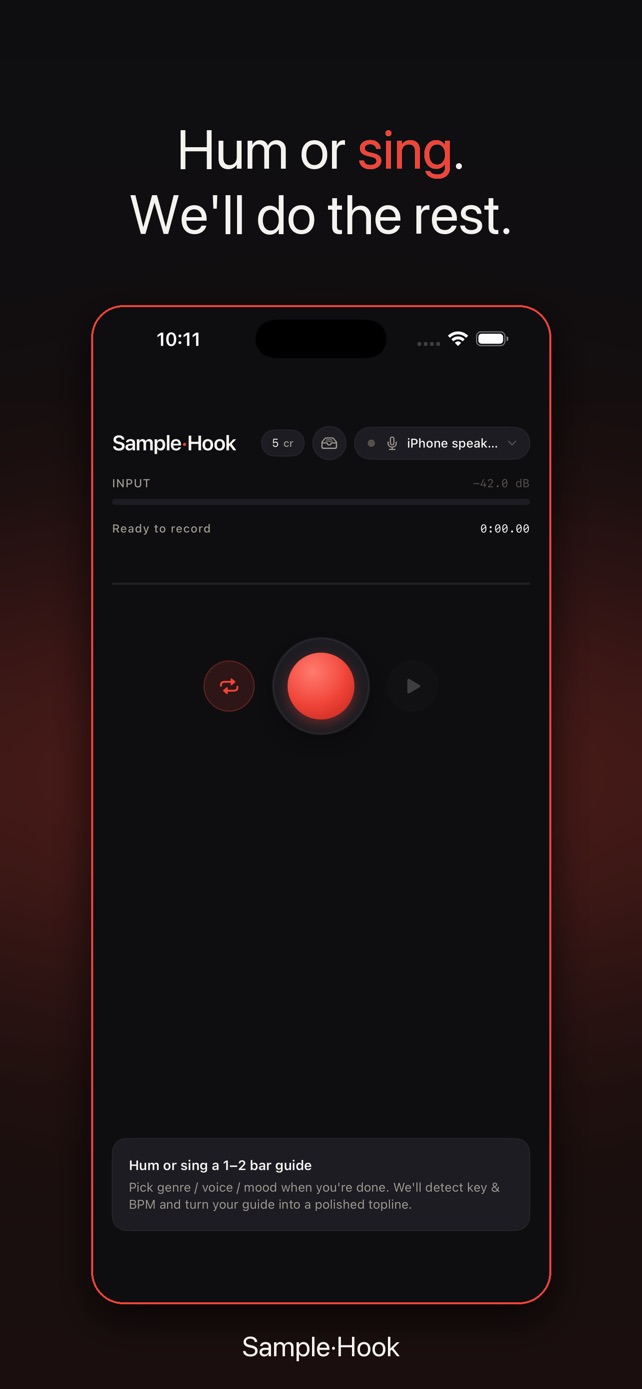
Record a guide

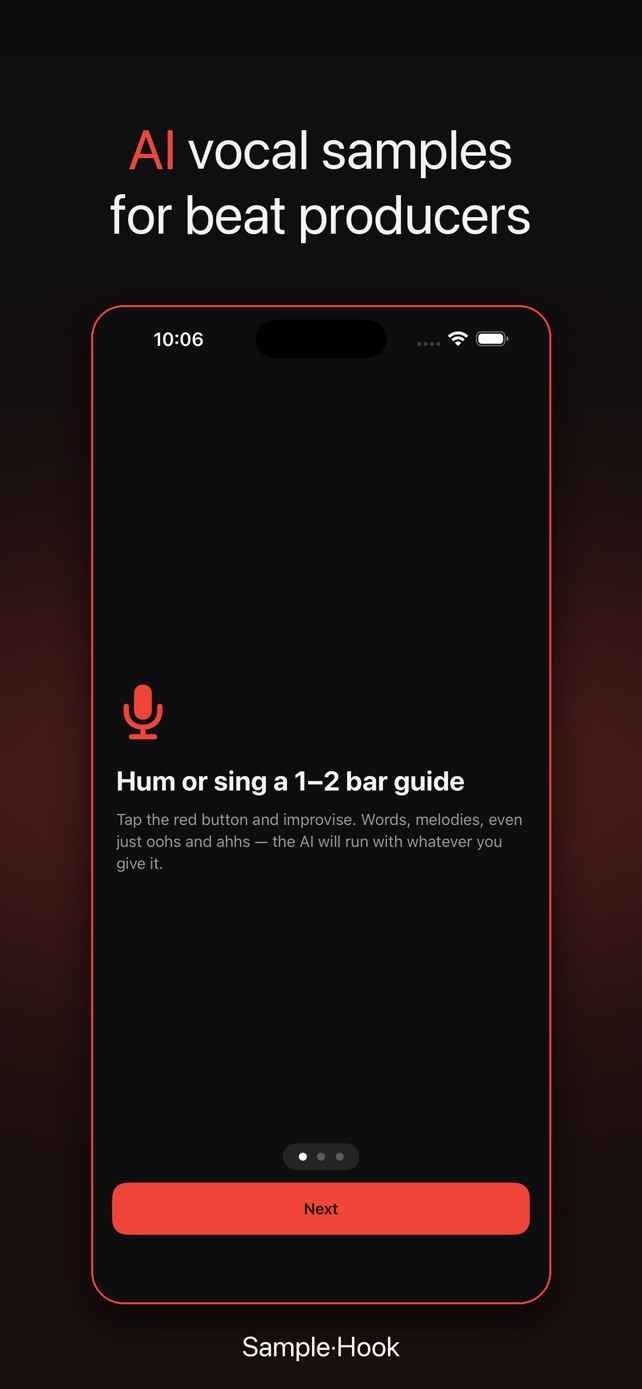
Tap record and hum, sing, or rap 1–4 bars. Words, melodies, even oohs and ahhs.

Pick the sound

Choose a genre, voice, mood, delivery, and layers. Key and BPM are detected for you.

Check the lyrics

Review the transcription and fix any mis-heard words before you generate.

Drop it in

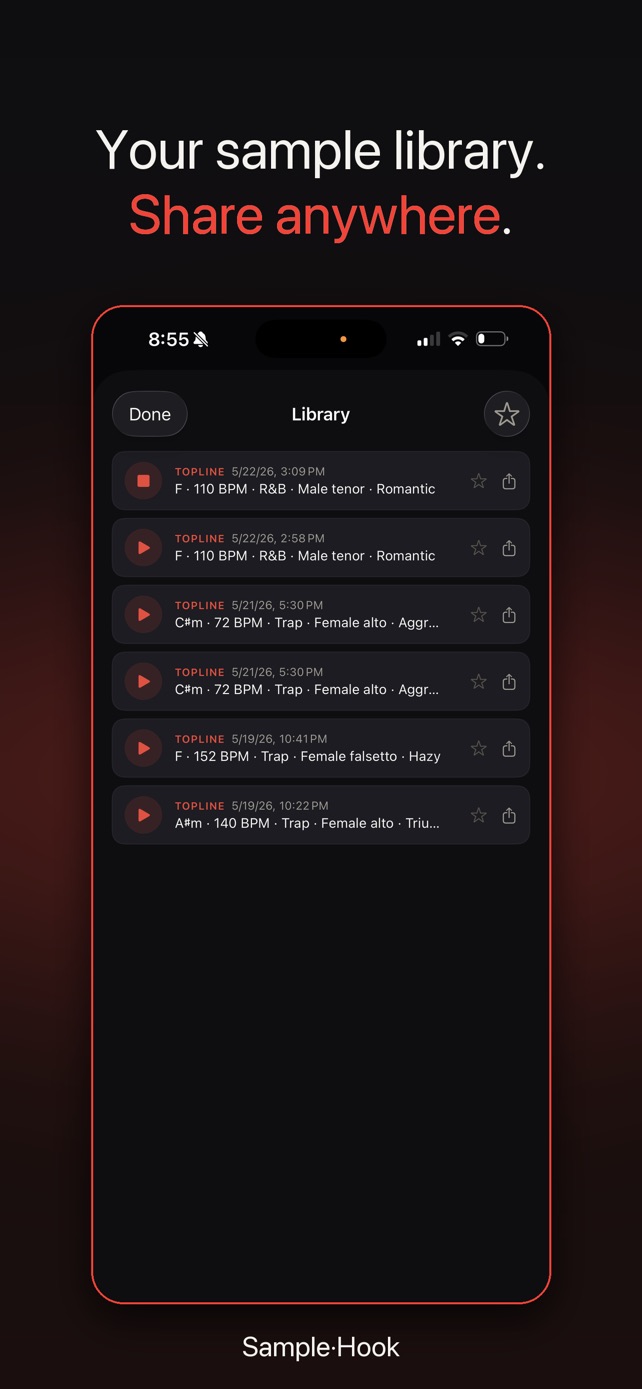
In about 90 seconds you get an isolated vocal stem. Export the WAV or play it straight into your sampler.

Built for producers

A pocket vocal lab that speaks sampler.

Everything is tuned for grabbing a usable 1-bar chop, not writing a whole song.

Hum a melody, get a topline

The AI keeps your words and your melody and tightens the performance into a finished vocal.

Auto key & BPM

Key and tempo are detected on-device. If the detector misses, override them with a flick of the wheel pickers.

Sung, rapped, or ad-lib

Pick the delivery that fits the beat. Solo lead by default, or stack it Doubled or with full Harmonies.

Chop on the phone

Trim handles, a loop region, and a scrubbing playhead. Cut a 1-bar sample out of a 30-second take.

Pitch & tempo, non-destructive

Shift ±6 semitones and play at 0.8×–1.2× speed without touching the original.

Sample straight into your MPC

Native iOS routing over USB-C, Bluetooth, or AirPlay. Plug in, hit play, and resample on the hardware.

Genre
Hip-hopR&BTrapDrillAfrobeatsGospelSoulHouseLo-fi
Voice
Male tenorFemale altoMale falsettoFemale falsettoChoirBaritone
Delivery
SungRappedAd-lib
Layers
SoloDoubledHarmonies
MPCMaschineAny DAW

Pricing

Start free. Go Pro when you're cooking.

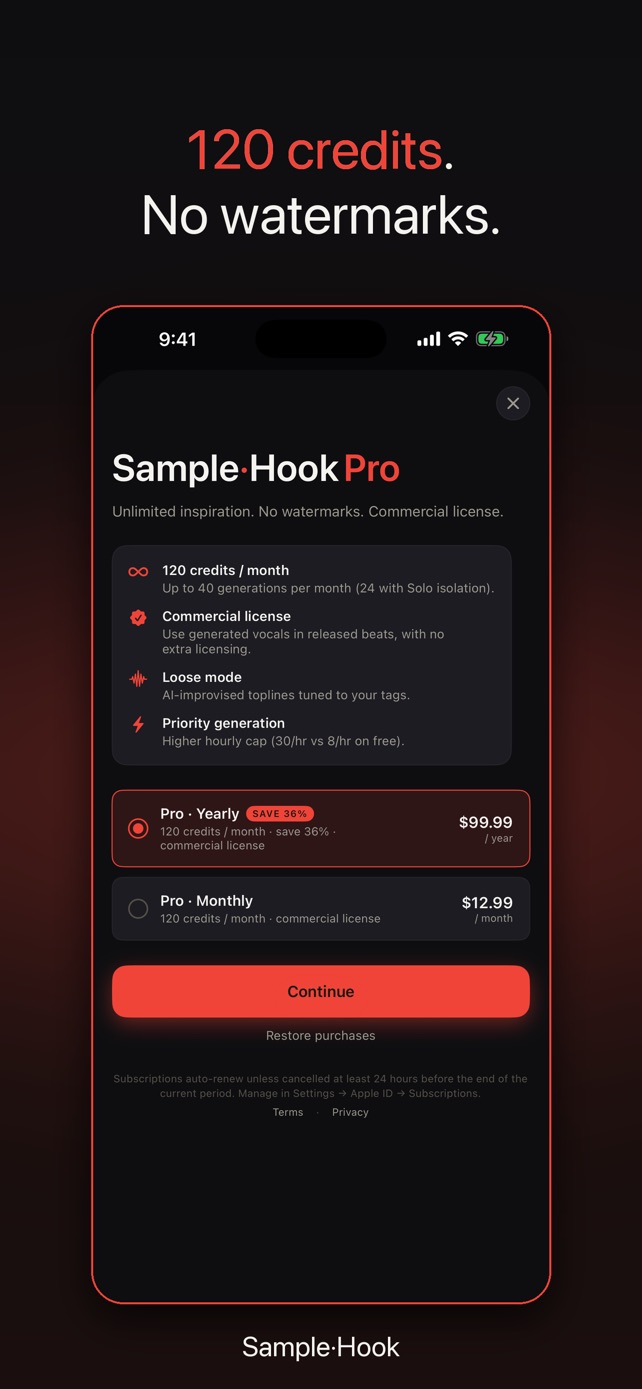
See current prices in the App Store. Subscriptions renew automatically and can be cancelled any time in Settings.

Free

Try it on your next beat.

  • Free generations to get started
  • Full recording, trimming & export
  • Personal use

SampleHook Pro

Monthly or annual.

  • Many more generations every month
  • Commercial release license
  • Credit top-ups when you need extra

FAQ

Questions producers ask.

Do I need to be able to sing?

No. The guide just tells the AI your melody, rhythm, and words. Humming, mumbling, or rough rapping all work, and the generated vocal handles the performance.

Can I use the samples in songs I release?

Pro includes a commercial release license for vocals you generate. Free generations are for personal use. See the Terms of Use for the details.

How long does a generation take?

About 90 seconds. That covers generating the vocal and isolating it into a clean stem.

How do I get the audio into my MPC or DAW?

Export the WAV and share it anywhere iOS can, or plug your iPhone into your sampler over USB-C and resample it directly. Bluetooth and AirPlay routing work too.

Does it match my beat's key and tempo?

Yes. SampleHook detects the key and BPM of your guide on-device, and you can override either before generating.

Is there an Android version?

Not right now. SampleHook is a native iPhone app and requires iOS 17 or later.
SampleHook app icon

Your next hook is one hum away.

Free to download on iPhone.

More tools for producers